
Released Today
Latest release
Enhancement
Introducing Dashboard Essentials
- We developed Dashboard Essentials to give new users a clearer and more comfortable way to get started with Publisher Champ.
- It is designed for users who want fewer numbers, less complexity, and a focused view of the essential information they need to understand and run their business.
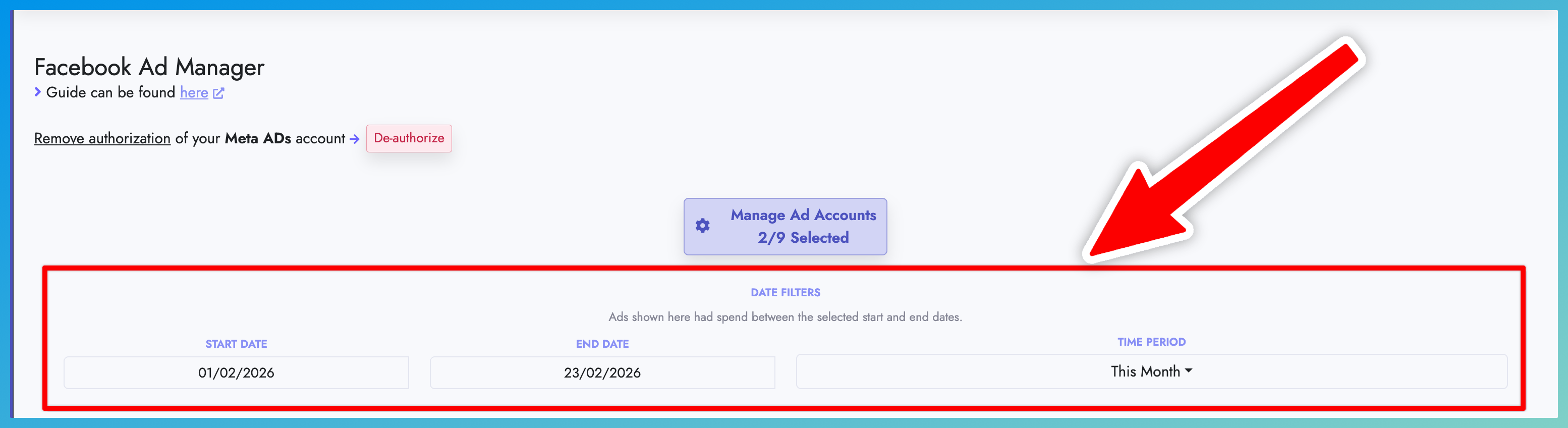
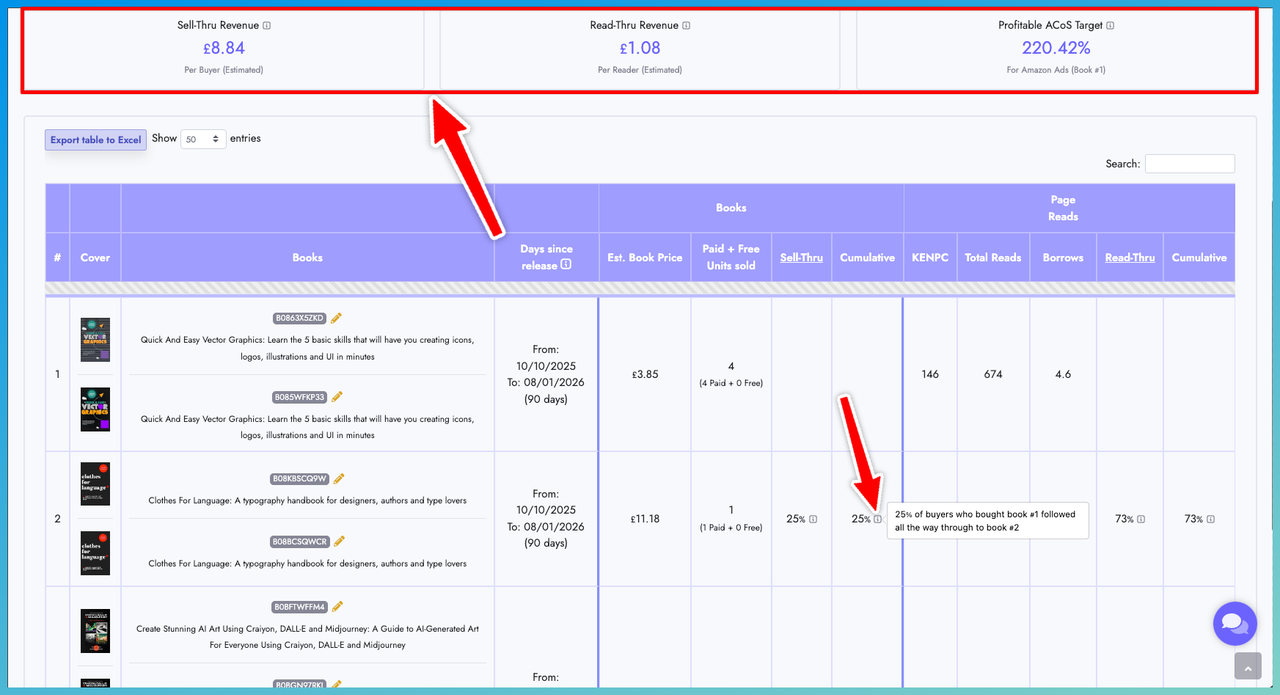
- Quickly review your filters, royalty and spending summary, top-performing books, performance graph, leading countries, and book or series results from one streamlined page.
- Rank countries by Net Royalties, Gross Royalties, Paid Units, Free Units, KENP Reads, or Spending.
- Dashboard Essentials is only the starting point. When you feel ready to explore more data, switch to Full dashboard for additional charts, comparisons, tables, and advanced controls.
- Use the Explore links throughout Essentials to open Publisher Champ’s detailed analytics pages and investigate a specific area further.
- Switch between Essentials and Full dashboard at any time. Your selection is saved to your Publisher Champ account and follows you across devices.
- Existing users will remain on Full dashboard by default, while new users will begin with Essentials. No existing dashboard features have been removed.
Where to find it
- Open Dashboard > Visual.
- Use the switch at the top of Dashboard Visual to choose Essentials or Full dashboard.
- Follow the Explore links inside Essentials or use the sidebar whenever you are ready to access Publisher Champ’s complete collection of analytics and business tools.